Hiển thị các bài đăng có nhãn tips. Hiển thị tất cả bài đăng

Chủ Nhật, 3 tháng 5, 2015

30 Blogpost Ideas

We've all been there... One minute you're breaming full of hundreds of ideas for interesting posts to share on your blog, then the next your mind draws a blank. But you don't want to not post, but at the same time you don't want to put a bad post out there either. I'm sure that every blogger out there can relate to that... So I've come up with 30 post ideas, which may not be original, but they go down a treat all the same.

Beauty/Fashion
1) Your Makeup/Hair/Skincare Routines
2) Highstreet Dupes of Highend Makeup
3) Empties
4) Storage
5) What's in your Makeup Bag
6) Brand Focus
7) Face Of The Day
8) Outfit Of The Day

Lifestyle
9) Thrifty Houseware
10) Room Tour
11) Weekly Summary
12) Instagram Summary
13) Favourite Recipes (I'm hoping to do this soon)

General
14) Guest Posters
15) Blogs You're Loving
16) Blog Goals
17) Blogging Equipment
18) What You've Learnt From Blogging
19) How You Edit Your Photos
20) Tags
21) Day In The Life
22) Q&A

Lists
23) Wishlists
24) Monthly Favourites
25) Top Ten Under £10
26) Top Five Under £5
27) What's In My Bag
28)  50 Facts About Me
29) Your Current Playlist
30) Your Must Haves

I hope these help beat any bloggers block! I know I've had a bit lately but I think I'm starting to over come it... What do you do when you get bloggers block?

Emma xo

Thứ Sáu, 6 tháng 3, 2015

My Blogging Equipment

During my time a blogger I've noticed that I've needed a few things to help me run my blog, all of which have helped All That Shimmers become what it is today. Funny enough, when I started blogging I didn't own any of this equipment, but as time went on my needs changed and my equipment changed with me! So I thought I'd share with you my current blogging equipment.

Nikon D3200
I thought I would start off with photography, you don't need an SLR to have good blog photography. You can get some really stunning photos from your phone, like the picture I've used on this post was taken with my Samsung Galaxy S3. Although I have well and truly fallen in love with my SLR, it's the best present anyone's ever gotten me and I will forever be grateful to my boyfriend!

Ikea Lack Table
I've seen so many other bloggers who use this for their photographs as well, it's just simply a small white table. I've used it for almost all of my blog photographs since I got it! (Again, including this post) and it's only £5, how cheap is that!!! But it also weighs less than most my University textbooks so that's probably why...

Lighting
I don't use these very often, but if it's a dark gloomy day and I'm desperate for some blog photos this is really handy. I got some cheap £20 travel set off Amazon and it's done me well!

My 'to review/photograph' Box
I don't know about you guys, but when I buy products I have to take photos before I use them. So to stop things getting jumbled up I keep the 'to review' products separate to everything else by putting them all in a box. One day a week I will spend an hour or more taking photos of all the new products that are in the box, then I'll start using them and eventually end up reviewing them.

Cath Kidston 2015 Diary
Year after year I bought myself those little pocket diaries but after a week I would stop using them. But now I've splashed a little more cash out onto my diary I've really fallen in love with it and I use it everyday! You can tell I use it very often by how tatty it's gotten already... I find the diary really handy for planning posts, as at the front there is a month by month view which I use purely to plan what post will be posted on what day. Then the week by week view is mainly personal life and uni...

Blogger App
I'm not a massive fan of this app, I've never written a whole post using it. Maybe the Apple version is better but on Android it's a bit naff. However I do use it when I'm on the go and I've thought of a blog idea, I just save a draft titled with the idea. I am sooooo forgetful when I come to thinking of blog posts and I always end up kicking myself when I can't remember the idea I had, so being able come back to it later on is super handy.

Notebook
I bought a notebook that is just for my blogging notes, I tend to make lists of what I need to photograph and more recently things to say in my YouTube videos (keep your eyes out for my second video...it will happen eventually I promise!!) it's just nice to have it all in one notebook instead of scattered everywhere.

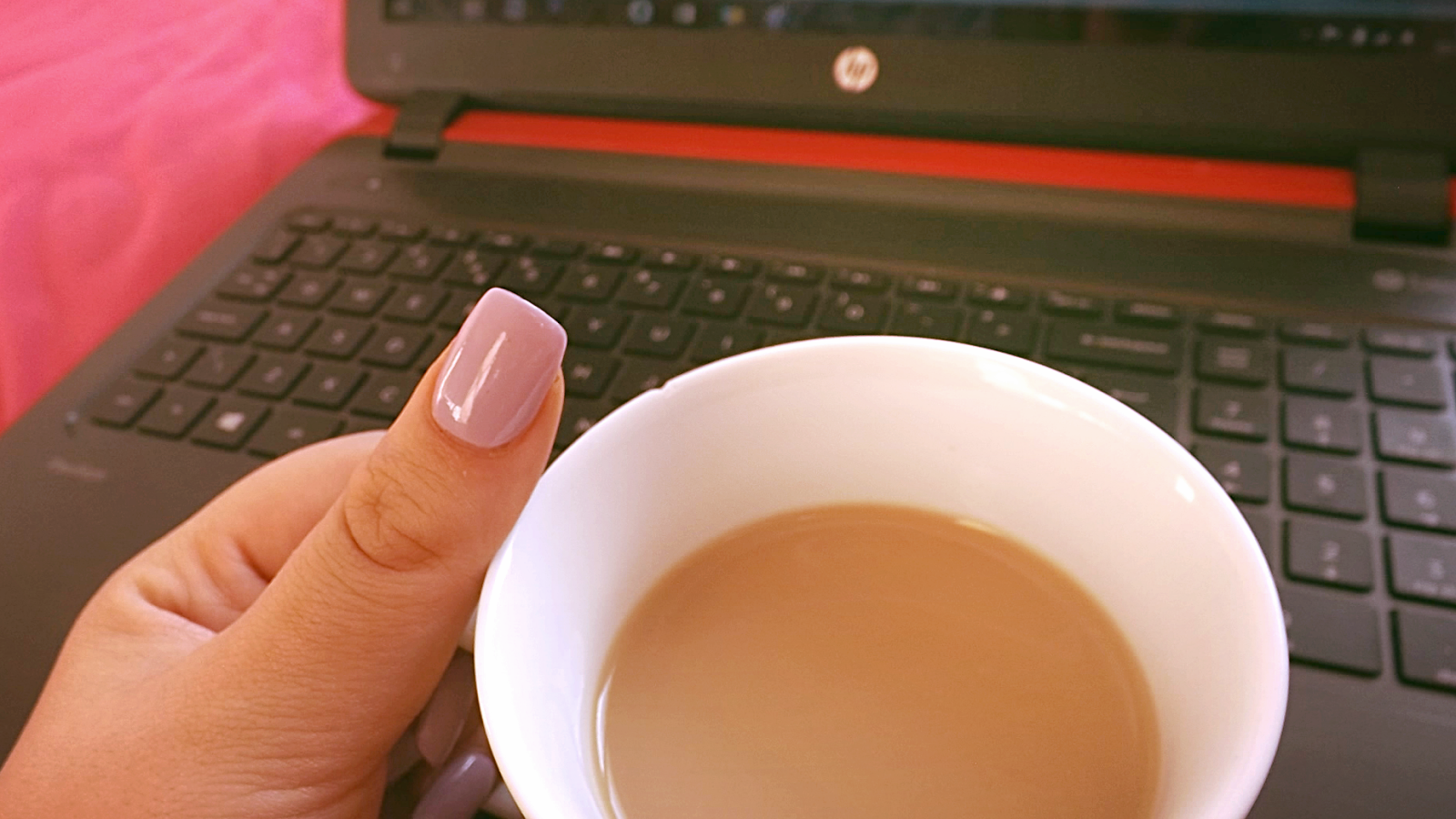
HP Pavilion Pink
Last but not least, is my laptop. This is a purchase I probably shouldn't have done as I had the same laptop before but in red, I sold it to my boyfriend when I found out about the pink ones so I could change the colour... But I do love it so that's all that matters, right??

What blogging equipment could you not live without?

Emma xo

Thứ Bảy, 28 tháng 2, 2015

6 Ways to Boost Your Blog's Traffic

I'm sorry for how tedious this post might seem, but I feel that it will hopefully benefit some people! And I'm not saying I know these will work, but I've found that the following techniques have really helped me kick my blog off!

Commenting other peoples blogs, regularly.
I can't talk for other bloggers, but I know this works for me. I often check out links people have left me in the comments, then I sometimes return the favour by commenting one of their posts that I've found interesting! And on the plus side, you could potentially find a new blog you like to read - which is always a bonus.

*update 7th March 2015*
If you want to link your blog in your comments to code is:

<a href="http://www.YOURBLOGURL.com/">you can write anything here</a>


Write about a brand new product
When a product is new, there won't have been many reviews or posts about that product. So why not be one of the first people to write about it? One of my most-viewed posts is my Review of: L'Oreal Blonde Legends, I Googled about the product before buying it to find no one had reviewed it, so I decided to give it a try and I've gained thousands of views due to being one of the first/only people to review it! I know some new products like the Benefit Roller Lash end up getting reviewed by every beauty blogger ever but a less popular product would work.

Photographs - lots of them!
A blog is incomplete without photos. I'm always at awe with bloggers who have beautiful photography skills. You don't even need to be a impressive photographer, I know that when I want to buy an eyeshadow palette I always put it's name in and follow it up with 'swatches' so in example 'Naked 2 Swatches' then I click through the pictures and find peoples reviews by visiting the page that was hosting the photo.

BBlogRT
As you probably all know by now, I co-run BBlogRT where you can get your tweets RT'd just by mentioning us in the tweet! We have over 10.3k followers now!

Giveaways
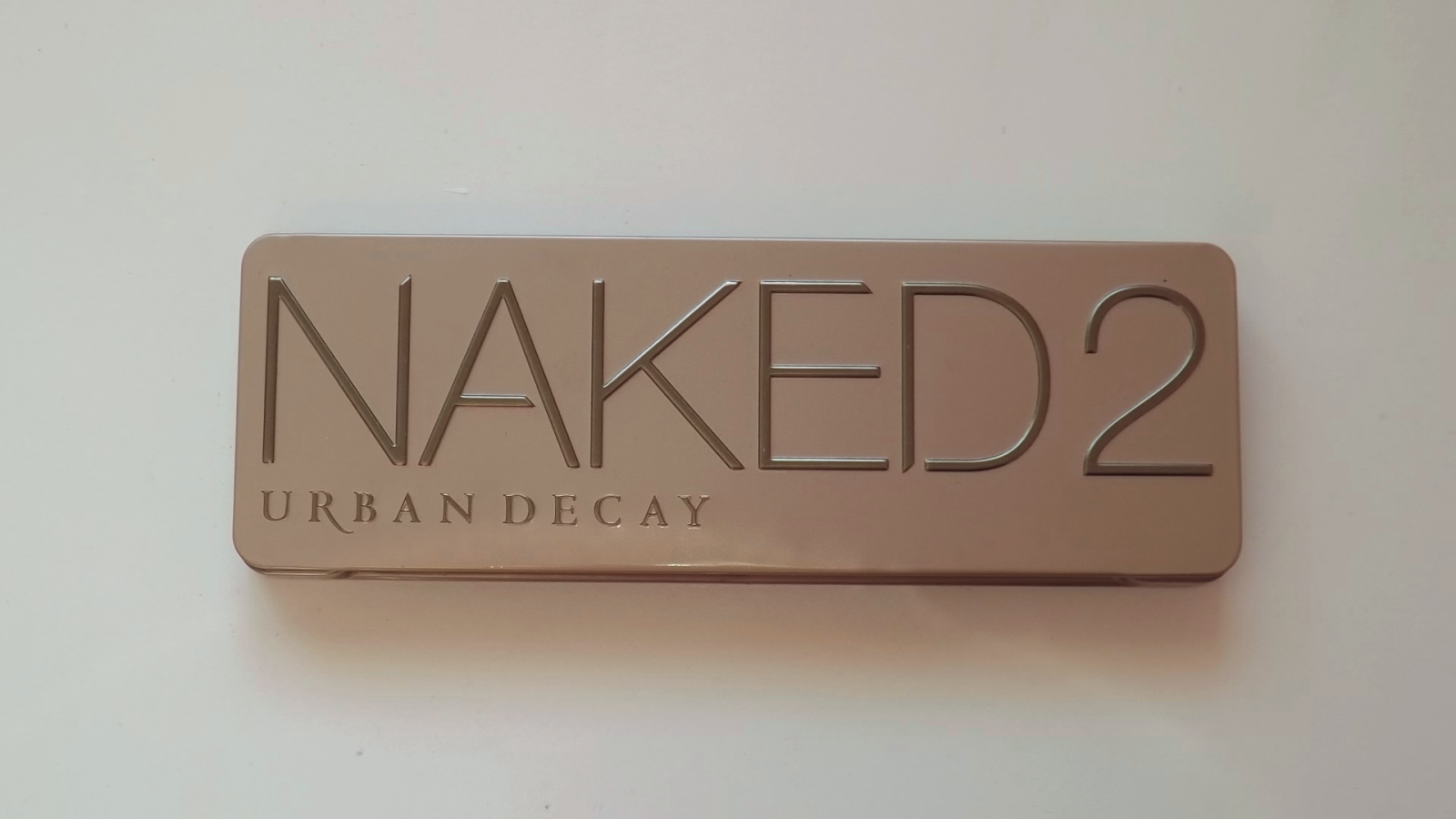
In my year of blogging, I have held 3 giveaways and each of them have really helped me accelerate my blog's popularity! I give away products that I know I've been dying to get my hands on, like my current giveaway to win a Naked palette AND a MAC lipstick! If someone else hosted the same giveaway, I would 100% enter it.

Post timing
I find this post here, really handy when it comes to timing my posts! They give averages on what time the average blog gets the most views, what day is most popular and so on. It's definitely worth a read.

I hope this post helps even one person! What do you find works for your blog?

Emma xo

Chủ Nhật, 22 tháng 2, 2015

12 Fonts I Love (Free Downloads)

(I used Essie nail polish names for the typography!)

I love fonts. I really think the right font selection can make a blog look incredible, but I am very picky when searching through fonts as to which ones I'll actually use. So I thought I'd share a few of my go-to/favourite fonts as I feel that you guys would appreciate them. (and I got my laptop back today yay!)


I hope you enjoy them as much as I do!

Emma xo

Thứ Sáu, 16 tháng 1, 2015

How to: SEO

tips seo guide how to improve search engine optimisation
'SEO' three letters that look very intimidating at first, but are in-fact one of the most useful tools in blogging. It stands for 'search engine optimisation', so basically improving your Google rankings without paying for it, therefore hopefully improving your blogs traffic. 


Google judges a website by 4 things; relevance, popularity, trustworthiness and page rankings.


1. Relevance – I often do product reviews on my blog, a good example is my 'Review of: L'oreal Blonde Legends', as before I bought a box I couldn't find a review anywhere online, so I took advantage of that and reviewed it myself. It comes up on the first page of Google due to it being the most relevant review (after the shop links) and is one of my most popular posts to date. 


2. Popularity – Google looks at number of visits and how many people link to your blog to judge your blogs popularity. For example I was at the bottom of page 2 on Google when I first started searching 'All That Shimmers' but as my blog is growing, so is my Google ranking as I'm now at the top of page 2 and almost on the first page, so I should be one the first page soon (touch wood!).

3. Trustworthiness – An obvious trustworthy factor is the age of your blog, so if you've been posting under the same URL for a long period of time Google will favor you over newer blogs. Also the trustworthiness of domains linking to your blog help increase your trustworthiness, sort of like when you get a recommendation from a friend about someone who runs a service that would benefit you (like a hair dressers). Even simply having people share your links on social networks increases your trustworthiness, but not spamming of course.

4. Page Rank – Page Rankings are basically mixture of both your blogs popularity and trustworthiness. I found it's like a cycle, the more popular your blog is, the higher your trustworthiness will be and the higher your trustworthiness, the higher your page ranking will be which will increase your blogs popularity and so on.


10 things that you can do:

1. Name posts well
For example, a recent review I did was titled 'Review of: Urban Decay Naked 2 Basics', bit boring, but it's straight to the point and is what is most likely to be searched on Google. Just think about what you would personally search in Google, I know I often use the terms 'how to' and 'review of' etc.

2. Name images well
When I save my images I often include 'All That Shimmers' plus a relevant description of what is in the photograph. For example in my Urban Decay Basics review I named my main image 'urban decay naked 2 naked2 basics review all that shimmers' in consideration of what people might search.


3. ALT Tags
You can also use an ALT tag for your pictures, which is basically just an alternative description of your image which is crawled by search engines and can be read out for the blind. To create an ALT tag all you need to do (on Blogger) is left click your uploaded image and the below will appear.


Then you select 'properties' and enter in whatever you like, keeping it relevant. So for this post I named it 'How to: SEO' after the post title in 'Title Text', but that's optional it's the 'ALT text' we're interested in here, where I wrote possible search entries.


4. Keyword Density
This one is pretty straight forward, basically the product or topics keywords needs to appear a good few times in a post, such as the product name and what it is. This is very simple but remember to keep it natural or your post will lack in quality therefore losing you readers in the long run anyway.


5. Meta Tags
A meta tag is what you see underneath your blogs URL when it's searched for in Google. Below is my meta description, which you can also set by going into Settings > Search preferences, then you'll see something similar to mine. You'll need to enable search descriptions then you're good to go. Make sure your descriptions keywords are relevant to your blog, like I have used 'beauty blog' so if someone clicked on my page they would know before hand that it's a beauty blog.


6. Search Descriptions 
Very similar to number 5, but this is for each individual post... I'm guilty for not using this much as I should, but I don't think many people know about it. When you have a draft open in Blogger you will always see 'Post Settings' to the right, once you have enabled 'Search Descriptions' from number 5 you'll get an option called 'Search Description' where you can write a meta description for each post instead of Google just automatically showing what you have written in your post, again use relevant keywords to your post that people may search.


7. In-blog Linking
Link to yourself or others, literally link anything as long as it's relevant! This helps give your blog trustworthiness and helps the Google crawlers find your blog. When linking to yourself and referring to past posts people may click on those links therefore giving you a little bit more traffic to your other pages, adding to your blogs popularity. For example in this post I've mentioned both my 'Review of: Urban Decay Naked 2 Basics' and my 'Review of: L'oreal Blonde Legends' and I've linked the both of them. This is why widgets like 'Linkwithin' are important to install on to your blog to people see it and think 'oh I haven't read this post *click*'.

8. External Linking
You can also put your link onto other sites other than your own, like leaving your blog URL when signing off a comment on someone else's blog, having it in your Twitter or Instagram descriptions, etc. I really recommend pinning your images to Pinterest, I've recently started a board solely for my blog where I pin the image and leave my blogs URL. Search engines can see how many sites link to your blog, so the more sites linking to you the more popular your blog is considered therefore improving your ranking. But don't go spamming your link, this can do the total opposite to what you intended and you can be penalised by Google. 

9. Guest posting/Blogrolls
A lot of bloggers often guest post on each others blogs, or include each other in blogrolls as they're both good marketing tools, hopefully gaining you both new readers from each others blogs. This is already really good on it's own due to getting your readers up, but it also has the SEO benefit of 'external linking' and increasing your popularity and trustworthiness.

10. No copy and pasting
Admit it, we've all had a cheeky Google when reviewing a product to see what others have said about it. That's all well and good but never copy what someone has written, not word-for-word anyway as it will flag up in the Google crawlers and your post will be deemed a 'duplicate' page. Even if you copy your own work to another blog (i.e guest posting) you can write about the subject again of course, but you will have to re-word it as it will still be a duplicate.

I must stress that SEO takes time and won't work instantly but in the long run it will be more than worth it, also I'm no expert on the topic, I'm just sharing what I do know to hopefully help some of you guys out! Let me know in the comments any of your SEO tips, I'd love to hear them! 


UPDATE: 9-2-2015 
I now rank on the first page of Google when searching 'All That Shimmers'!!! 


Don't forget to enter my Urban Decay Naked 2 Basics Giveaway: Here!

Emma xo

Chủ Nhật, 4 tháng 1, 2015

10 Handy Websites For Bloggers

During my time as a blogger I have stumbled across many sites in order to help aid my blogging in some way or form, here are my favourites that I use quite regularly!


Photos: 
Picmonkey
First off is Picmonkey, I actually mentioned this in my 'budget photography tips' too. This website is perfect for collages, I use it quite regularly - I last used it in my review of 'Benefit's Hello Flawless Oxygen Wow' post, so I could show the swatches next to each other.

Dafont
This website is the mother of all font sites, the standard fonts on your computer can get a bit bleak after a while so hunting through this site for a fresh font is always refreshing. I regularly use 'Moon Flower' as I think it's a perfect, simple girly font (it's also what I used in the main photo of this post).

Technical: 
Google Analytics
This site goes hand in hand with blogger and gives you a much better insight into who views your blog, unique users and search queries. To install it on your blog you need to find your ID code.

To do so, click the 'admin' tab at the top then something similar to the above should appear. Then click 'tracking info' > 'tracking code'


When you have clicked 'tracking code' you'll get give a 'tracking ID' and a tracking code. If you're using blogger like me totally ignore the 'tracking code' tracking ID is what we're looking for so copy it!
Once you've copied your ID go to blogger dashboard > 'settings' > 'other' 
then at the bottom you'll see this, simply paste your code and save. Viola! 


Xomisse & icanbuildablog
Both give very useful layout tips! I've used both many times in the past.

Layouts: 
Etsy
Layouts can get very pricy, but I paid very, very little for mine being only £7.50! I just tweeked it a heck of a lot. I reccomend setting a budget for yourself then using the money bandwith options so only layouts in your price range come up! There are a good few cheap layouts out there as well as the pricey ones.

Original Layout - By 'Jasmine Joy' called 'Settle Down'
How it looks now!

Social Networking:
Hootsuite
This website is perfect for scheduling tweets! If you're like me, you may have other commitments like work or Uni and you can't always tweet when you want to this is the site for you.


When you have created an account you'll see a bar at the top with 'compose message' click it and type in the tweet you want to send. 


Next to the paper clip there is a calender option where you choose the date and time of your tweet, for me I chose the 3rd January at 1:45pm.


Then as long as you have added 'scheduled tweets' as a stream, you should see what tweets you have schduled and when they'll be posted - it's as simple as that!

Linkedin
This is a professional social networking site. I highly recommend this if you want to make blogging into a career one day! You can add other bloggers, brag about your success', post your posts on their so potential employers can see, etc. (I really need to post more - feel free to add me though https://www.linkedin.com/profile/view?id=295001925)


Pinterest
I love pinterest! (although I have like no followers wah) it's so great for inspiration, or just full on day dreaming!

justunfollow
I like to use this to clean up my twitter mainly, you can whitelist people to not awkwardly unfollow you didn't want to and you can follow inactive twitter accounts! When I first logged in I was still following people who hadn't used twitter in over a year!!!

I hope these sites help you guys out like they do for me! I'd love to hear what sites you use!

Emma xo

Thứ Sáu, 5 tháng 12, 2014

Blogging Tips


Like many others I have become the blogger I am today through trial and error So here are some things I learnt along the way that will hopefully help you guys out!

*Sorry for the text heavy post*

1. The Commitment
This is the most important thing of all to have, if you don't have the commitment then your blogs not going to go far. You need to be committed to spending a lot of time on your blog with planning, designing, photography, writing and more, I for one definitely have blogging on the mind 24/7!

2. Picking a name
Domain names are great, they give your blog more of an identity but don't buy a domain name just to have a domain name, wait until you have a name you love as you're going to be using that name all the time.

I was crap at picking names, my first was "Just as Wild" which a friend had suggested but I never liked it so I didn't buy the domain, but one day it hit me that one of my favourite quotes is "All that glitters is not gold" and combing that with my love for shimmer products "All That Shimmers" was born!

When you have picked a name you like use a well known domain website, I made the mistake of using any old website then I had to pay an extra £10 to transfer it to a site that would 100% work with Blogger, I now use GoDaddy!

3. Picking a layout
My design for me is quite important, I won't rest until my blog is looking how I want it. You don't need to pay loads to have a fancy layout, sometimes less is more - especially with blogging.

Premade layouts can get quite pricey but just keep looking until you find "the one", I actually paid £4 for my layout off Etsy! Then I used trusty Google for help with HTML codes and tweeking till I got it how I saw fit and now my blog looks nothing like the one I originally bought.

Original layout on the left, mine on the right. 
One thing I have to say is back up your template when playing with HTML codes! I actually lost my comments box recently and I couldn't figure out how to get it back so I started from scratch and retweeked it till it looked the same again (which took ages, didn't realise how much I'd changed!)

Just go to your Blogger Dashboard > Template then click Backup/Restore in the top right to save your current layout and/or to upload a new one.

4. PR
I've been approached by a few people now wanting me to advertise them on my blog. I nearly did one as the company contacting me was on behalf of a well known TV channel, I was excited that I'd gotten access to exclusive content - but the content I had access to wouldn't have suited my blog and what you guys expect from me so I decided against it.

Basically you can say no to PR companies if you want to, don't write a post for someone if you genuinely have no interest in what they're asking you to write. Your blog is your property you can do literally whatever you want with it, wait for the day someone approaches you with an offer you're actually interested in - it will make for a better post.

5. Blog RT Pages
There are many Twitter accounts set up to help less-known bloggers reach a wider audience by retweeting them, I actually own a RT Twitter myself, basically all you have to do is mention me in your tweet (@BBlogRT) and I will RT it to my 10k+ followers. Easy!


I hope these have been helpful! Be sure to check out my other tips on:

Emma xo

Thứ Năm, 27 tháng 11, 2014

Budget Photography Tips


One of the trickiest things about writing a blog is having good photography. I don't know about you guys but it's what I struggle with most, plus being a student blogger means I can't go all out with my photography - BUT here are some tricks I use to improve the photos I do take! 

1. Phone Apps:
VSCO Cam (Free on App Stores)
Afterlight (59p on App Stores)
Both of these apps have very pretty filters, you can dim any of the filters making them more subtle and less in-your-face. A good filter can really add a nice finish to a photo!

A filter from Afterlight.
Any torch app (Free on App Stores)
I use my phone torch as lighting as sometimes daylight just isn't good enough and I can't afford a whole professional lighting set up (sob) so my phone thriftily does the job.

Without and with my phones lighting.

2. Computer Apps:
Aviary Photo Editor (Free from the Windows Store)
I use this to crop down my photos after I've done any other editing, it actually has an "original" option so the picture stays the same size as the original photo not making it obvious that it's been cropped.

Can you tell which one has been cropped?

Pic Monkey (Free Website)
I use this for when I want to do a collage of photos, the site is very quick and easy to use even with slow internet connection like my own! I've been using it for a while now, it's a handy little website.


Gimp (Free Application)
This is a free Photoshop alternative - it does basically everything the same! I recommend downloading an older version though as new gimp doesn't let you save in many file types..

3. Backgrounds:
Wallpaper
Just take a trip to B&Q and get some free rippings of some pretty wallpaper, even if you only use them in one post! I recently redecorated my room so I actually used some of the wallpaper rippings we took when deciding on my wallpaper.


Furniture
Something flat and white is very basic but can be highly effective in making photos look more professional.


Some of the products I take photos of need to be stood upright or it just wouldn't work, when I feel I need to stand products up I choose the draws in my room as it has my wall paper in the background which gives it a nice feel. 


4. Cameras:
Bridge Cameras
Now buying a camera is never going to be super cheap but bridge cameras are a good cheaper version of SLRs, they have less functions but you get some decent looking photos all the same. I'm currently using a Fujifilm Finepix Bridge camera and it's done me well for the past 2 years! 

5. Extras:
Bluetack
This is a bit of an odd one, but sometimes products just don't stay where you want them to and it's a pain, right? Bluetack is soooooooo helpful at making sure they stay where you want them - just make sure you can't see the bluetack in shot, I've made that mistake a few times and have had to reshoot them.

What are your thrifty blog photo tips? I'd love to hear them!

Emma xo

Chủ Nhật, 16 tháng 11, 2014

5 Time Management Tips


Over the past few months I went from having absolutely nothing to do, to having so much to do I barely get a break. I like it better this way, but it can get overwhelming. You just have to really kick in them time management skills everyone has been telling you that you need your whole life. Here's just some handy things I do to stop myself from falling behind!

1. Google Calender.
I use this for everything like university, personal life, blog, work, you name it! It has been incredibly handy as it syncs up with my phone, so I can input something on to my phone and it'll show up on my laptop and vice versa!


2. Diary
But I like having a physical diary too so I can write in deadline dates then make lists underneath them as to what I still need to do to meet those deadlines. This is why I have bought myself a Cath Kidston Diary for 2015 as it has a week by week view with a notes page long the side of each week! As well as looking really, really cute!

Cheeky date hint there ;) ;)
3. Labels
I get confused when I look at the "All" tab on my blogger posts sometimes, so I use labels to help me out when looking for posts. For example for the posts I wanted to post this month are "nov14" so next month will be "dec14" then "jan15" and so on. This helps me not forget about a post I planned and actually motivates me to have it posted by the end of the month.


4. Lists... Lots of them!
I write lists absolutely everywhere. My phone, notebooks, laptop even a draft post on blogger .... I am list crazy! But they can be really helpful.


5. Prioritising
Last but not least, prioritising! This is the most important tip of them all, make sure you know what needs to be done soon and make sure you do that first before moving on to something else that doesn't need to be done for another few weeks. I have a bad habit of moving on to more fun assignments that I have more time for than one that may be due in the next day but isn't as interesting..

I hope that some of these tips may be useful for some of you as they have been really useful for me!

Emma xo